AI App Broken in Production? Here Is What to Do - Fixbrokenapp

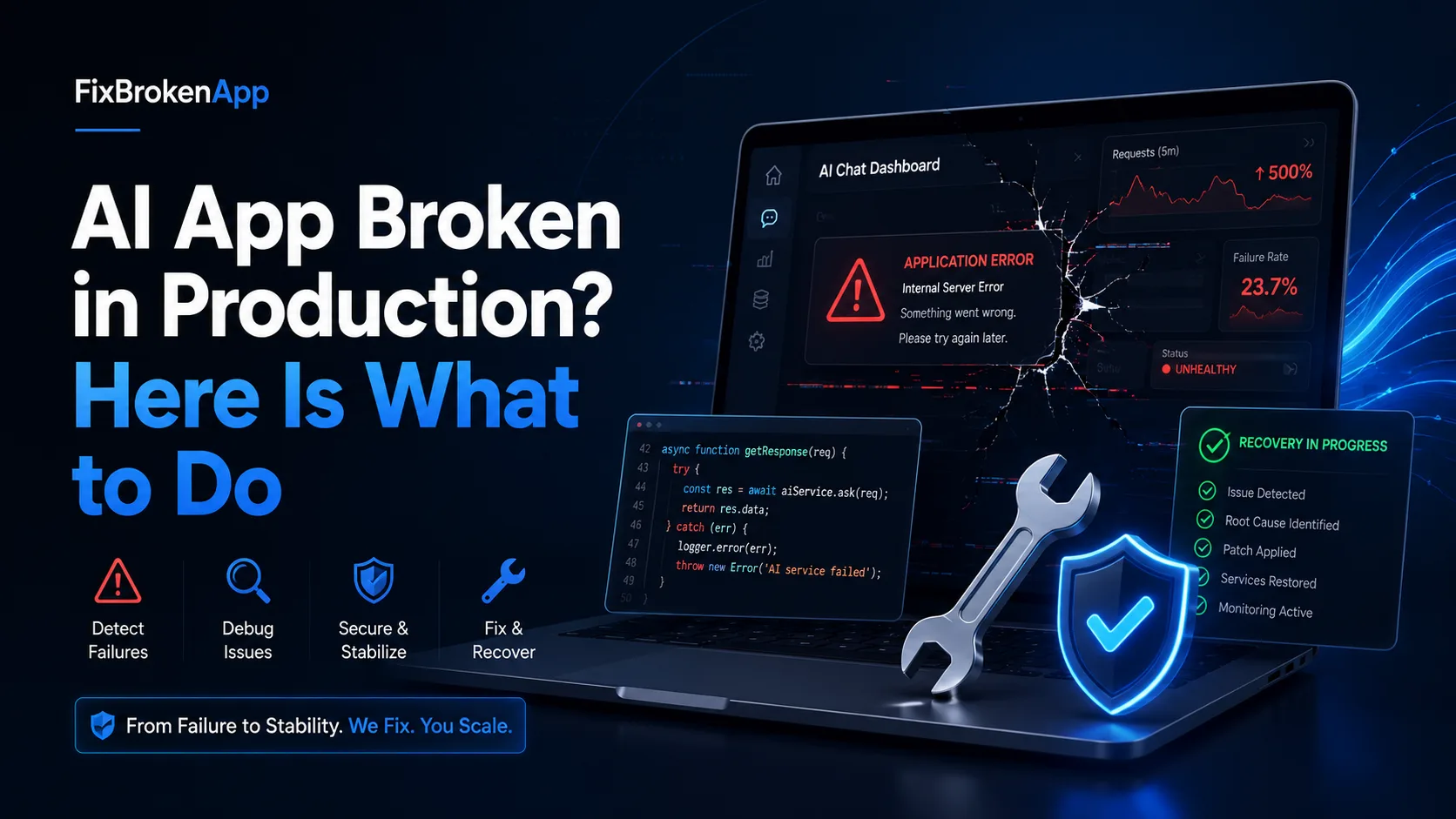
The AI App Development Boom
Tools like Cursor, Lovable, Bolt.new, and Replit have made it possible for anyone to build a working app in hours. You describe what you want, the AI writes the code, and within a day you have something that looks and feels like a real product.
But there's a catch that nobody talks about enough: AI-generated code breaks differently than human-written code. When something goes wrong, the errors are often subtle, layered, and frustratingly hard to trace — especially if you're not a senior engineer.
The Most Common Ways AI Apps Break
After watching hundreds of developers hit the same walls, here are the failure patterns that show up again and again:
1. Works locally, crashes in production
This is the most common one. Your app runs perfectly on your machine, you deploy it, and suddenly it's throwing 500 errors or showing a blank screen. The culprit is almost always environment variables, hardcoded API keys, or a dependency that behaves differently outside a dev environment.
2. Security holes you didn't know were there
AI tools are optimized to make things work quickly. They're not optimized for security. Database keys exposed to the browser, API routes with no authentication, user data publicly readable — these are shockingly common in AI-generated code and represent real liability once your app is live.
3. The AI gets stuck in a loop
You ask the AI to fix a bug. It makes a change. Now there's a new bug. You ask it to fix that. It reverts what it just did. You've been going in circles for two hours and you're further from a working app than when you started. Sound familiar?
4. Build passes, deploy fails
CI says green, but the moment it hits your hosting platform — Vercel, Railway, Fly.io — it fails with an error that means nothing to you. Usually a missing environment variable, an incompatible Node version, or a native dependency that doesn't compile in the cloud.
What Most People Do (That Makes It Worse)
The instinct is to paste the error back into the AI and keep asking it to fix things. Sometimes this works. More often, it creates a patchwork of half-fixes that make the codebase progressively harder to reason about. By the time you've gone 15 rounds, even a senior engineer will need an hour just to understand what the code is trying to do.
The other common mistake is posting in forums and waiting. Stack Overflow and Reddit can help, but AI-generated code has quirks that most responders haven't seen before — and the answers you get are often generic and don't apply to your specific situation.
The Better Path: Get a Real Engineer Involved Early
The single most effective thing you can do when an AI-built app breaks is get a human engineer to look at it — someone who reads code for a living, not another AI model running in a loop.
This is exactly the gap that FixBrokenApp was built to fill. It's a rescue service specifically for apps built with AI coding tools. You submit your code (or a GitHub link), and a senior engineer gives you a full diagnosis: what's broken, how bad it is, and what it will take to fix. The initial scan is completely free.
What makes it different from hiring a freelancer or posting on Upwork is the focus. These engineers have seen hundreds of AI-generated codebases and know exactly where to look. They're not learning on your project — they've already fixed the same class of problems dozens of times.
What a Proper Rescue Actually Looks Like
A good rescue isn't just fixing the immediate error. It's:
- Identifying the root cause — not just patching the symptom
- Closing security vulnerabilities before they become a breach
- Making the codebase understandable so future changes don't break everything
- Getting it actually deployed to a live, stable environment
FixBrokenApp structures this in three tiers: a Diagnosis report ($49 flat) that tells you exactly what's wrong, a Rescue package (from $149) that fixes the critical issues and secures the app, and a full Launch package (from $399) that gets you to production with domain, auth, payments, and a handover you actually understand.
Before You Build: A Few Habits That Save You Later
If you're starting a new AI-assisted project, a few habits will dramatically reduce the chance of a painful breakdown:
- Never commit API keys or secrets to your repository. Use environment variables from day one.
- Test in a staging environment that mirrors production before you go live.
- Add authentication to every route that touches user data — don't assume the AI did this.
- Keep a human in the loop for any code that handles payments, auth, or user PII.
Bottom Line
AI tools have genuinely changed what's possible for solo builders and small teams. But the gap between "it works in the editor" and "it's stable in production" is still a real engineering problem that requires real engineering judgment.
If your app is broken, stuck, or just not shipping — don't keep feeding it back to the same AI that built it. Get a scan, understand what's actually wrong, and fix it properly. FixBrokenApp offers that first look for free, with no pressure to continue.
Your idea deserves a working product — not an endless debugging loop.